Telegram video note specs: size, length and format
Updated August 4, 2026
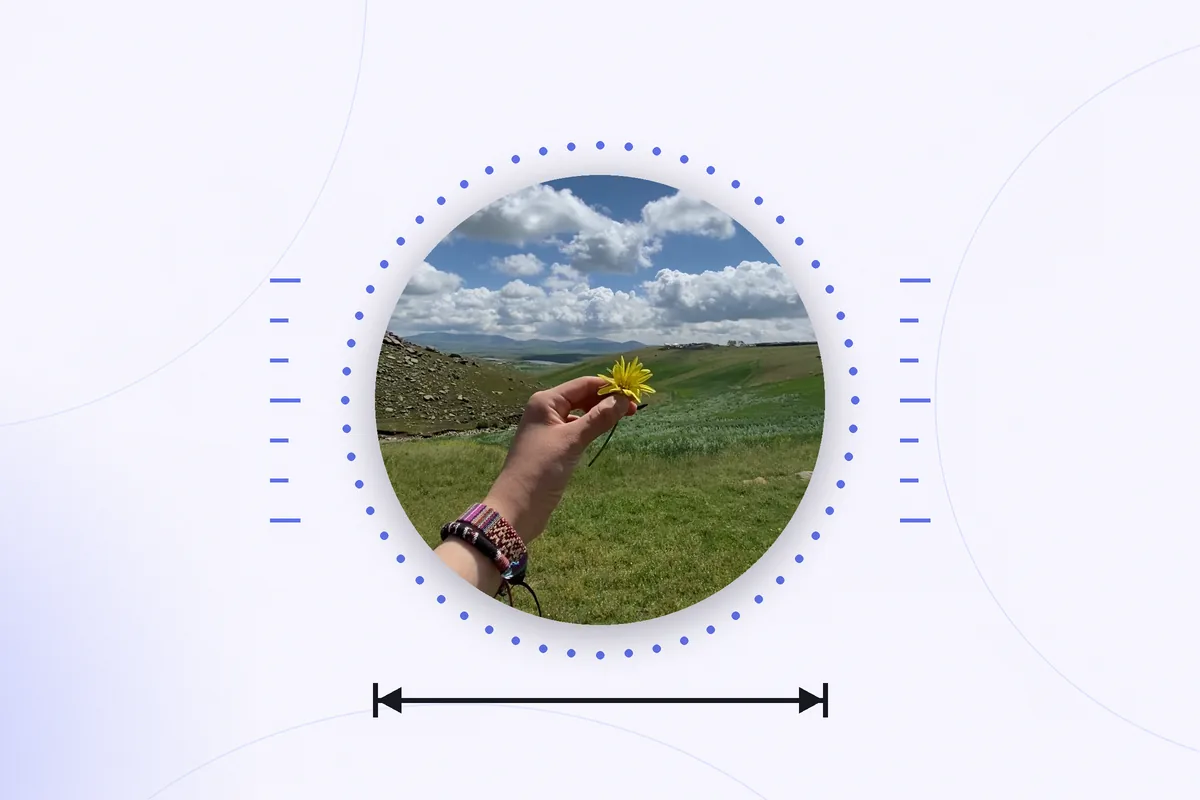
Search for the technical details of a Telegram circle video and you get a wall of confident, contradictory numbers. 384 by 384. 240 by 240. 640. One minute, two minutes. Everyone repeats everyone else, and almost nobody links to a source.
This page is the boring version: what Telegram actually documents about video messages, what it deliberately leaves open, and how to read the real numbers off a circle sitting in your own camera roll. Every claim below points at Telegram's own developer documentation, and where the documentation says nothing, this page says so instead of guessing.
The short version
| Property | What Telegram specifies |
|---|---|
| Container | MP4 |
| Shape | Square — width equals height |
| Roundness | A flag on the file, not the geometry. Clients draw the round mask. |
| Maximum duration | 1 minute |
| Resolution | Not fixed. The diameter is whatever the sender used. |
| Video codec | H.264, H.265 or AV1 are all recognised; H.264 is the safe choice |
| Audio | An ordinary audio track. A no-audio flag exists for silent video. |
| Thumbnail | Optional still image, supplied alongside the file |
Container and shape: a square MP4 with a flag on it
Telegram's Bot API describes a video message as an MP4 video as defined by the sender, rounded square, up to 1 minute long. Two words there carry most of the weight.
Rounded square. The file itself is square. The round appearance comes from the client, which draws a circular mask over the square frame when it renders the message. In Telegram's underlying protocol the file simply carries a round_message flag — documented as whether this is a round video — alongside ordinary width and height integers. Nothing about the pixels is round. This one detail explains the single most common surprise with the format: save a circle to your phone and it arrives as a square clip with the corners filled in, because the mask never existed in the file. That is a whole problem of its own, covered in removing the white corners from a saved circle.
As defined by the sender. Telegram is telling you that these are not fixed constants. The sending client picks the dimensions and the duration; the API records what it was given.
Resolution: why nobody can give you one number
The VideoNote object has a single field for size, called length, documented as video width and height (diameter of the video message) as defined by the sender. One number, because the frame is square, and no value is mandated.
So where does 384 come from? It is the diameter Telegram's mobile clients have historically recorded at, and it got copied from article to article until it started to look like a specification. It is a reasonable expectation for a circle recorded in Telegram on a phone, and a bad assumption for a circle that came from anywhere else — a desktop client, a bot, a third-party app, or a different Telegram version. Since the format has been around since 2017, files of several different diameters are in circulation.
The practical consequence: never hard-code a size when you are working with a circle you did not record. Read it off the file.
How to check a circle you already have
- Save the circle to your camera roll first — the guide on saving a Telegram circle video on iPhone covers the ways to do that.
- Open it in Photos and bring up the info panel — the (i) button, or a swipe up on the clip. Photos lists the resolution and duration of the file.
- Alternatively, find the file in Files, press and hold it, and choose Get Info.
Whatever number appears is the real one for that clip. If width and height are equal, you are looking at an untouched video note; if they are not, something has already re-encoded or cropped it.
Duration: one minute, and it is a hard stop
Up to one minute, stated in the Bot API and in Telegram's announcement of the format. In practice this behaves as a hard limit rather than a guideline: hold the record button past sixty seconds and the recording ends and sends itself. There is no trimming inside Telegram afterwards, which makes the minute a genuine constraint on what the format is good for. Details of the recording flow, including the lock gesture that saves you from an accidental send, are in the guide to recording a circle video on iPhone.
The duration field on the API object is documented as seconds, as an integer — another sign that this format was designed to be short and simple rather than precise.
Codecs, audio and thumbnails
The protocol's video attribute carries an optional codec field whose documented examples are h264, h265 and av1, so all three can appear on a video in a Telegram chat. H.264 in an MP4 container remains the compatibility floor: it plays everywhere, and it is what you should target if you are producing a file yourself.
Audio is an ordinary track in the same file. The same attribute has a documented nosound flag for a video file with no audio tracks, which is how a silent clip is marked — useful to know if you want a circle with no sound at all, or if you are stripping audio before sharing a clip somewhere it would be unwelcome.
Thumbnails are optional. The API lists a thumbnail as an optional still that accompanies the video note; it is what a client shows before the clip starts playing.
What Telegram does not specify
Worth being explicit, because the internet will happily invent these for you:
- Bitrate. Not documented anywhere public. Telegram's own blog notes that video messages are compressed and uploaded while you are still recording, which tells you the target is speed, not fidelity.
- Frame rate. Not specified.
- Audio codec and sample rate. Not specified for video notes.
- A canonical diameter. As above — the field is explicitly whatever the sender used.
If a page quotes precise numbers for any of these as though they were official, treat it the way you would treat any unsourced number.
Producing a file that works as a circle
If you are turning an ordinary video into a video message, the specification gives you a short checklist:
- Crop to a true square before anything else. A 9:16 clip squeezed into a square distorts faces; crop, do not scale.
- Keep the subject centred and away from the edges. The visible area is the inscribed circle, so roughly a fifth of your square frame is hidden behind the mask, and the corners are guaranteed to be lost.
- Stay under a minute. Over the limit, it is not a video message any more — it is an ordinary video attachment.
- Export H.264 in MP4 at a sensible size. Sending something enormous gains nothing; it is going to be compressed on the way in.
- Check the sound. A circle is a talking-head format, and audio quality does more for it than resolution does.
Once a circle exists as a saved file, the constraints stop being Telegram's and start being the next platform's — a square clip needs reframing before it looks native in a vertical feed, which is the subject of putting a circle video into an Instagram Story.
Rondo handles the square crop, the circular mask, the background behind it and the export — so a video note becomes a clean square or 9:16 clip without you matching a single number by hand.
Get Rondo for iPhoneFAQ
What resolution is a Telegram circle video?
There is no single answer. Telegram documents the size field as the diameter of the video message as defined by the sender, so it depends on which client recorded it. 384 by 384 is the number usually quoted because it is what Telegram mobile clients have long recorded at, but files of other sizes exist. Check the file itself in the Photos or Files app rather than assuming.
How long can a video note be?
Up to one minute. Telegram states this both in the Bot API and in the original announcement of video messages. The recording stops and sends itself at the limit, and there is no way to trim a video message inside Telegram afterwards.
Is a video note actually a round file?
No. It is a square MP4 carrying a flag that marks it as a round video, and Telegram clients draw the circular mask when they display it. That is why a saved copy appears square with filled corners: the mask lives in the app, not in the file.
What format should I use to make my own circle?
H.264 video in an MP4 container, square, no longer than a minute. Telegram recognises H.265 and AV1 as well, but H.264 is the option that plays everywhere without argument, and the file will be re-compressed on upload in any case.