How to remove the white corners from a Telegram circle video
Updated July 25, 2026
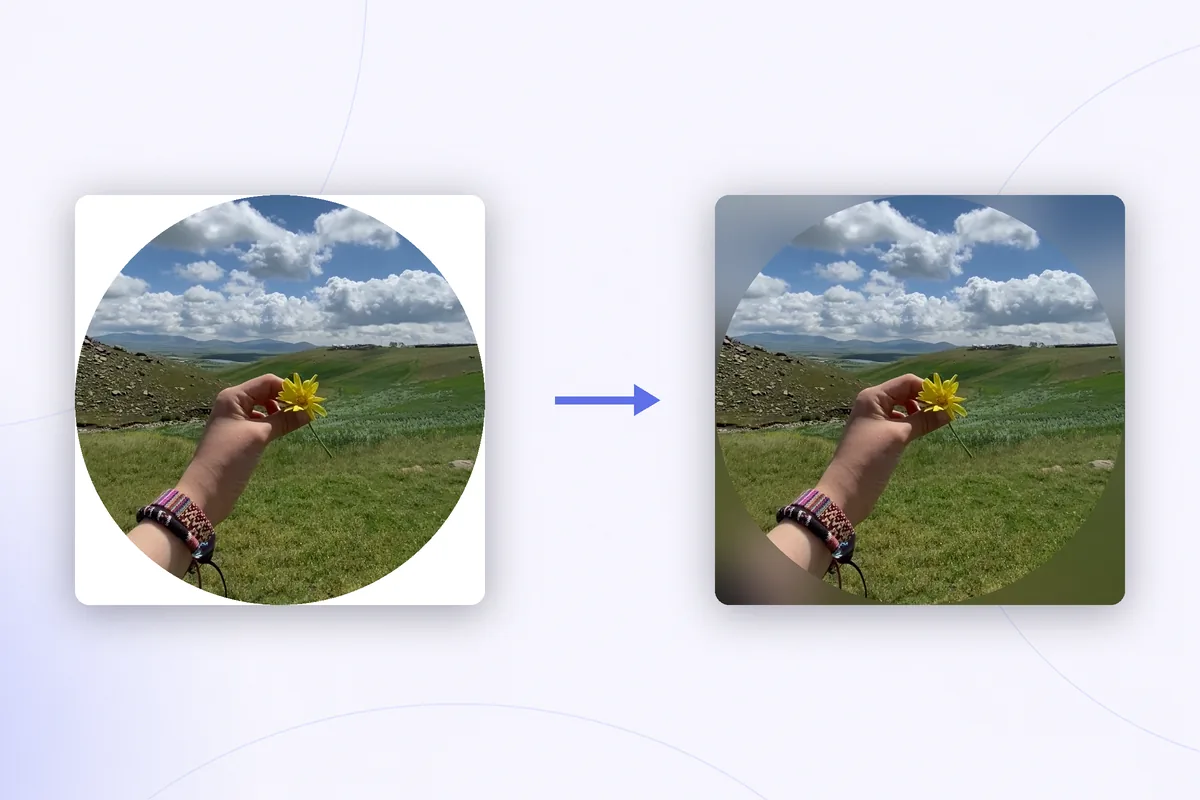
Inside Telegram, a circle video looks perfectly round. Then you save it to your camera roll and something ugly happens: the round message turns into a square clip with four solid white corners. Post it to a Story or send it outside Telegram like that, and it instantly reads as a screen grab of somebody's chat.
This guide explains where the corners come from, why the obvious tricks fail to remove them, and what actually works: rebuilding the background behind the circle. If the video you want is still sitting in a chat, start with our guide on how to save a Telegram circle video on iPhone — this article picks up exactly where that one ends.
Where the white corners come from
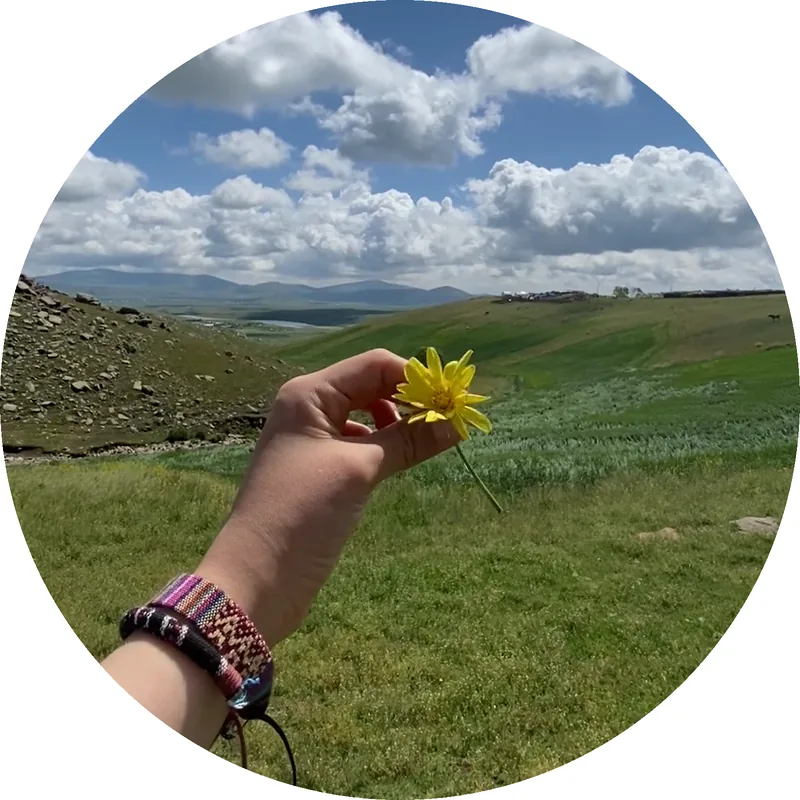
Telegram displays video messages through a round mask laid over an ordinary square MP4 file. The mask exists only inside the app. The moment the file is exported, there is no mask anymore — just a square video — so everything outside the circle gets filled with flat white. Those corners are real pixels, encoded into every single frame. No player, gallery, or social app will treat them as transparent, because they are not.
Why the obvious fixes fail
Three ideas come to mind first, and none of them survive contact with reality:
- Cropping. The editor in iOS Photos crops to rectangles. Crop a square video as tightly as you like — the white areas sit precisely in the corners of the tightest possible square, so all four survive every crop.
- Making the corners transparent. Video with an alpha channel does exist, but camera rolls, Stories, and messengers expect opaque video. Anything transparent gets flattened onto a solid background — usually white or black — the moment you post it, and you are back where you started.
- Filters. A filter changes the whole frame, circle included. There is no adjustment that targets only the corners.
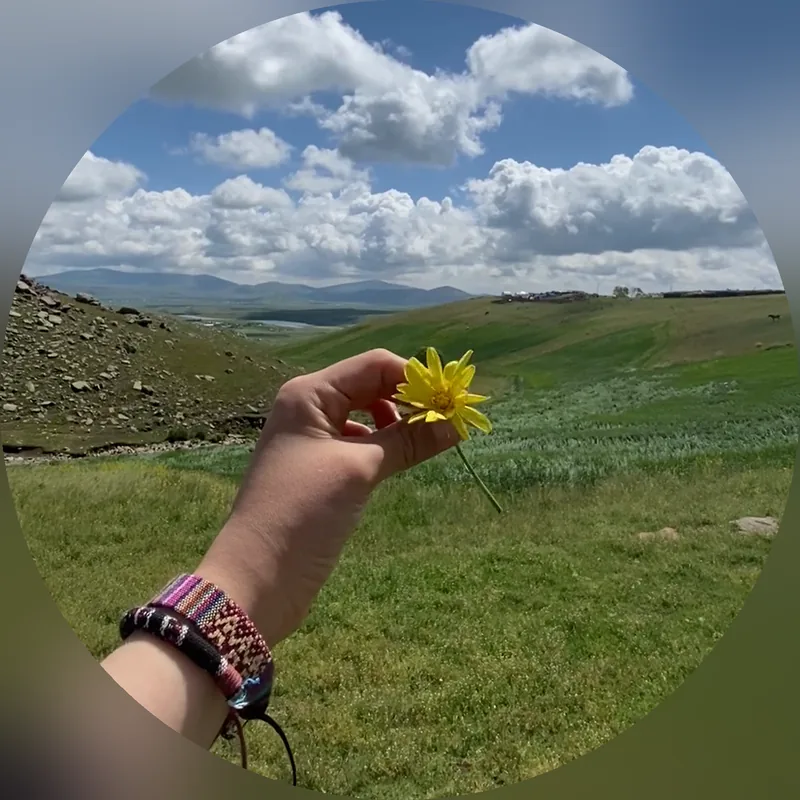
The only real fix is to rebuild the frame: keep the round part and draw a new background behind it.
Fix 1: put the circle on a new background
Any video editor that supports layers and masks can do this by hand. The recipe is the same in all of them:
- Create a project with a square canvas, the same size as the saved video.
- Add a background layer: a solid color, a gradient, or a heavily blurred copy of the video itself. The blurred variant is what story tools use for a reason — it almost always looks best.
- Place the saved circle video on top and apply a circular mask to it, hiding the corners.
- Align the mask with the edge of the round picture. Precision matters: a few pixels off and thin white slivers peek out around the rim.
- Export the result as a regular video.
This works, but it is fiddly. Most mobile editors bury masking several menus deep, the alignment is manual, and you repeat every step for every circle you save.
Fix 2: go straight to a 9:16 Story
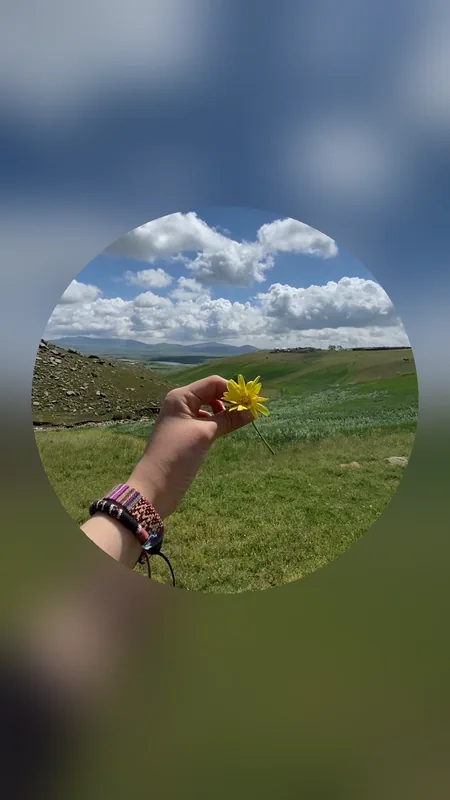
If the clip is headed for an Instagram Story, a Reel, or any other vertical format, do not stop at a square. A square video dropped into a 9:16 frame gets letterboxed, white corners and all. Instead, build the vertical frame yourself: make the canvas 9:16, let the background fill the whole frame, and center the circle in it. The same masking steps apply — only the canvas shape changes — and the result looks native to Stories instead of pasted into them.
If you record circles yourself
When the round message is your own, you can sidestep the problem entirely: record a normal square video first, keep it in your camera roll, and turn it into a circle for Telegram afterwards. You keep the clean original for Stories and archives, and the round version exists only where round messages belong — in the chat.
Rondo does the whole job in one step: it detects the circle in a saved video automatically, replaces the white corners with a blurred or colored background, and exports a clean square or 9:16 clip. No layers, no masks to align.
Get Rondo for iPhoneFAQ
Can I just make the corners transparent?
Not usefully. Even if you export a video with an alpha channel, photo galleries, Stories, and messengers flatten transparency onto a solid background on upload. For sharing, the background has to be real pixels — which is why replacing the corners, not erasing them, is the fix.
Do the white corners show inside Telegram?
No. Inside Telegram the round mask travels with the message, so a forwarded circle stays round in any chat. The corners only appear when the file leaves Telegram — saved to a gallery or shared into another app.
Does replacing the background reduce quality?
Rebuilding the frame means re-encoding the video, as with any edit. Keep the export resolution at least as large as the original and the difference is practically invisible — circle videos are small to begin with, so there is headroom.